
San Diego County Superior Court records are official documents that show every step of a case filed in the county. These records include civil, criminal, family law, probate, and small claims cases. Anyone can view or get copies of these records because they are public. The court follows California state rules that say most case files are open unless a law or court order says they must stay private. This page explains how to find, search, and request court records from the San Diego County Superior Court. It covers online tools, in-person visits, fees, privacy rules, and third-party services. All information comes from official court sources and follows current California law.
What Are San Diego County Superior Court Records?
San Diego County Superior Court records are legal documents created when someone files a case in any of the court’s locations. These include complaints, motions, orders, judgments, docket entries, and more. The records show who is involved, what the case is about, what steps have been taken, and how it ended. Most records are public, but some—like juvenile cases, sealed records, or confidential family matters—are not available online or at all. The court keeps these records safe and organized so people can look them up for legal, personal, or research reasons.
Types of Cases Included
- Civil cases (like contract disputes, personal injury, and property issues)
- Criminal cases (misdemeanors and some felonies)
- Family law (divorce, custody, adoption)
- Probate (wills, estates, guardianships)
- Small claims (cases under $10,000)
- Traffic violations (in some locations)
Records Not Available to the Public
- Juvenile cases (protected by California Family Code)
- Sealed or expunged records
- Confidential adoptions
- Mental health proceedings (in most cases)
- Records with a protective order
How to Search for San Diego County Superior Court Records Online
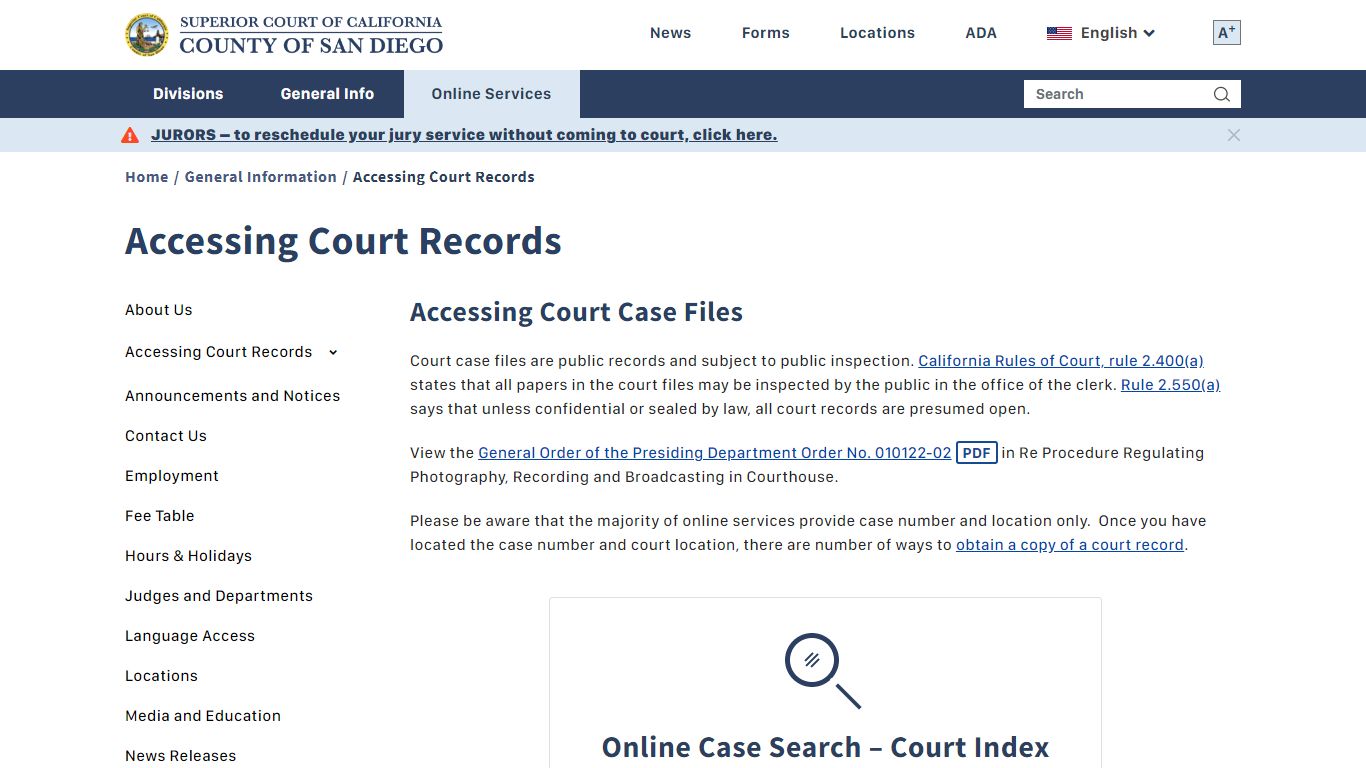
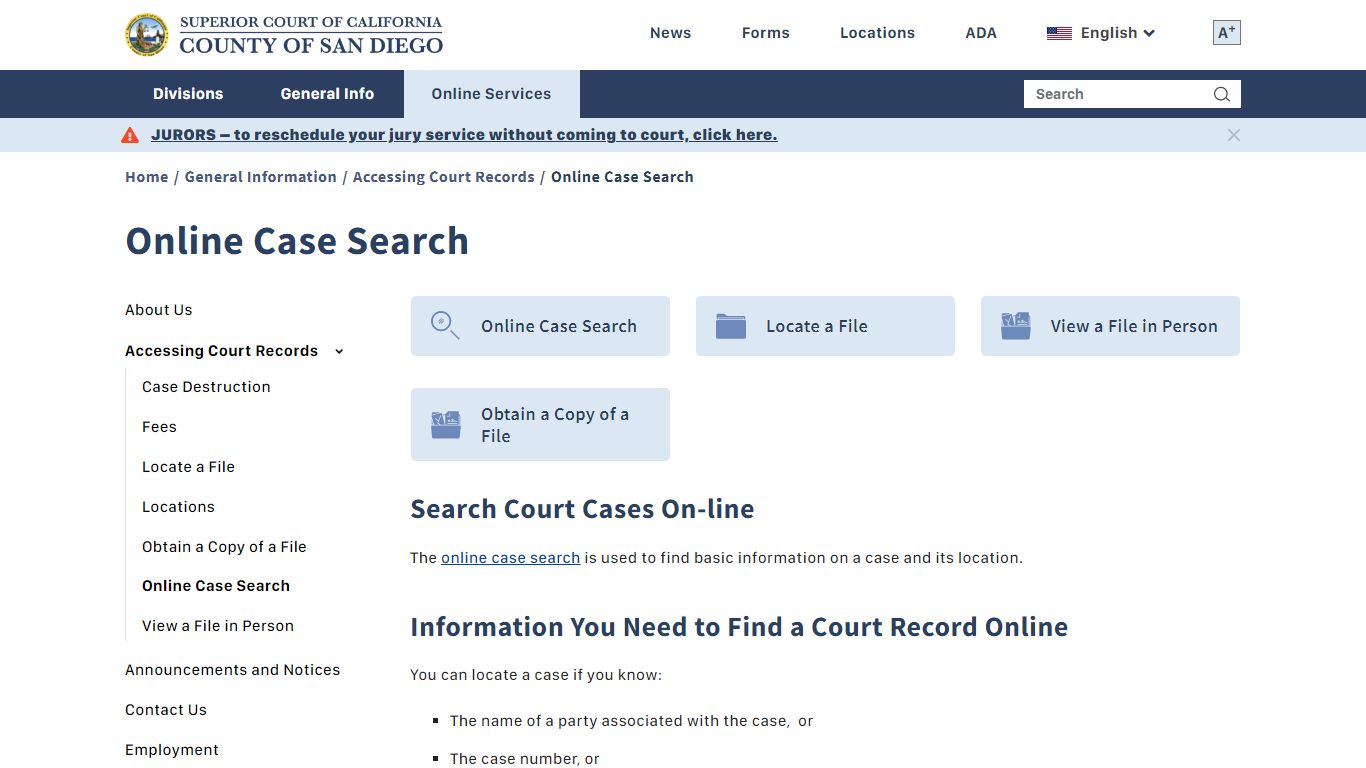
The San Diego Superior Court offers a free online case search tool. You can use it anytime to look up case details without visiting the courthouse. To search, you need one of three things: the full name of someone involved in the case, the case number (also called docket number), or the District Attorney’s case number. The system shows basic info like case type, filing date, parties, judge, and docket entries. It does not show full documents unless you access the Register of Actions (explained later).
What You Can Find Online
- Case number and title
- Names of plaintiffs and defendants
- Filing and hearing dates
- Assigned judge and courtroom
- Status (open, closed, appealed)
- Links to docket entries
Limitations of Online Search
- Civil Limited and Misdemeanor records may only be available for 10 years in some locations.
- Juvenile cases are never shown online.
- Some older probate cases are not digitized.
- Full documents (like motions or orders) are not always available through the basic search.
For more detailed records, use the court’s Register of Actions or request physical copies.
Using the Register of Actions (ROA) for Detailed Records
The Register of Actions (ROA) is a secure online system that gives access to digital images of case documents. It includes civil, small claims, and probate cases filed on or after January 1, 2007. Some Central Probate cases from April 28, 1997, are also available. To use ROA, you must create a free account and agree to the court’s terms. The system lets you view and download PDFs of filings, orders, and judgments. However, it does not replace official transcripts or certified copies.
How to Access the ROA
- Go to the official ROA portal.
- Create a user account with your email.
- Log in and search by case number or party name.
- View or download available documents.
Important Notes
- Sealed documents will not appear.
- Redactions may be present for privacy.
- You cannot print or share sealed materials.
- Certified copies must be requested in person or by mail.
Requesting Physical Copies of Court Records
If you need official or certified copies, you must request them from the court. There are three ways to do this: online, in person, or by mail. Each method requires proof of identity and payment of a copying fee. Fees vary by document type and number of pages. Certified copies (used for legal proof) cost more than regular copies.
In-Person Requests
Visit the Records Division at the South County Regional Center: 500 3rd Avenue, Chula Vista, CA 91910. Bring a valid photo ID and the case number. Staff will retrieve the file and make copies while you wait, if possible. For large requests, processing may take several days.
Mail Requests
Send a written request to: Superior Court of California, County of San Diego, Records Division, 500 3rd Avenue, Chula Vista, CA 91910. Include your name, contact info, case number, description of documents needed, and a check or money order for fees. Processing takes 7–10 business days.
Online Requests
Use the court’s e-record portal to request copies. You’ll need to upload ID and pay with a credit card. Digital copies are emailed; certified copies require pickup or mailing.
Fee Schedule (as of 2024)
| Service | Cost |
|---|---|
| Copy (per page) | $0.50 |
| Certified copy | $40 + copy fee |
| Exemplified copy | $75 + copy fee |
| Record search (if no case number) | $15 |
Public Records Requests for Administrative Documents
Not all court records are case files. Some are administrative, like budgets, policies, or meeting minutes. These are handled by the Executive Office. To request them, contact: 1100 Union Street, San Diego, CA 92101. Phone: (619) 844-2233. Hours: Monday–Friday, 8:00 a.m.–12:00 p.m. and 1:00 p.m.–4:30 p.m. Requests can be made by mail, fax, or in person. Standard requests are processed within 10 business days. Large or complex requests may take longer.
Note: Judicial administrative records do not include case files. Those must be requested through the Records Division.
Third-Party Services: UniCourt and Trellis
Some companies collect and organize court records from San Diego County and other courts. Two popular ones are UniCourt and Trellis. They offer search tools, alerts, and bulk data exports. UniCourt provides free basic searches and paid access to full dockets and documents. Trellis is subscription-based and used mainly by lawyers and investigators. Both platforms update regularly but may not have the most recent filings immediately. Always verify critical info with the official court website.
Benefits of Third-Party Services
- Faster search with filters (judge, attorney, case type)
- Email alerts for new activity
- Downloadable PDFs and summaries
- Cross-jurisdiction searches
Limitations
- Not official sources
- May charge high fees
- Data delays possible
- No certified copies
Court Index: Historical Case Lookup
The Court Index is a master list of every case ever filed in San Diego County Superior Court. It includes the case title, filing date, and docket number. It does not show charges, outcomes, or details. The index is kept forever under California law. You can search it online at the court’s public portal. This tool is useful for finding old case numbers or confirming a case existed.
To use the index, enter a party name or case number. Results show basic info only. For full records, request copies from the Records Division.
Privacy, Redaction, and Sealed Records
California law protects certain information in court records. Personal details like Social Security numbers, bank accounts, and children’s names must be redacted (blacked out) before release. Some entire records are sealed by law or court order. Examples include juvenile cases, domestic violence protective orders, and some adoption files. If a record is sealed, it cannot be viewed or copied by the public.
Rule 2.550 of the California Rules of Court says all records are presumed open unless a statute, protective order, or confidentiality rule says otherwise. If you believe a record should be sealed or unsealed, you must file a motion with the court.
Recent Updates and Maintenance Notices
The San Diego Superior Court regularly updates its systems. On August 5, 2024, the court had a scheduled maintenance window from 6 p.m. to 9 p.m. During this time, the website, online search, and e-filing were offline. Such outages are announced in advance on the homepage. Always check for notices before visiting or relying on online tools.
Common Uses for Court Records
People search court records for many reasons:
- Background checks (landlords, employers)
- Legal research (lawyers, paralegals)
- Genealogy and family history
- Journalism and investigative reporting
- Personal verification (divorce, bankruptcy)
- Compliance and audits
Always use records responsibly. Misuse can lead to legal consequences.
Frequently Asked Questions
Many people have similar questions about San Diego County Superior Court records. Below are the most common ones with clear, direct answers based on official court policies and California law.
Can I get court records for free?
Viewing records online is free. Printing or downloading from the Register of Actions may have limits. Physical copies cost money—usually $0.50 per page. Certified copies cost $40 plus copy fees. Some nonprofit legal aid groups offer help with fees for low-income individuals.
Are divorce records public in San Diego County?
Yes, divorce records are public unless sealed by the court. You can search them online using the party names or case number. Final judgments are usually available, but financial details may be redacted.
How long are court records kept?
Case files are kept permanently in the Court Index. Physical files may be destroyed after 10–25 years depending on case type, but the index remains forever. Digital records are preserved indefinitely.
Can I search by address or phone number?
No. The court only allows searches by party name, case number, or DA number. Addresses and phone numbers are not searchable fields for privacy reasons.
What if I can’t find a case online?
The case may be too old, sealed, or not digitized. Contact the Records Division at (619) 844-2233 or visit in person. Provide as much info as possible (names, dates, location).
Do I need a lawyer to get court records?
No. Anyone can request records. Lawyers often use third-party services for efficiency, but public access is free and open to all.
Are traffic tickets part of court records?
Yes, but only if they went to court. Minor tickets paid by mail do not create a case file. If you contested the ticket or went to a hearing, it will appear in the system.
Contact Information and Office Hours
For help with records, use these official contacts:
- Records Division: 500 3rd Avenue, Chula Vista, CA 91910
- Phone: (619) 844-2233
- Executive Office: 1100 Union Street, San Diego, CA 92101
- Hours: Monday–Friday, 8:00 a.m.–12:00 p.m. and 1:00 p.m.–4:30 p.m.
- Website: https://www.sdcourt.ca.gov
Final Notes on Accuracy and Responsibility
The information on this page comes directly from the San Diego Superior Court website and California state law. While we strive for accuracy, court policies can change. Always verify critical details with official sources. Never rely solely on third-party sites for legal decisions. If you need certified or official documents, request them directly from the court.